

Configurez votre Simskip
Scannez, touchez et vous êtes connecté. Suivez les étapes correspondant à votre appareil et connectez-vous en quelques minutes — sans boutique, sans carte SIM en plastique.
Check compatibility
Dial *#06# on your phone — if an EID number appears, your device supports eSIM and is ready to go.
Toutes les étapes
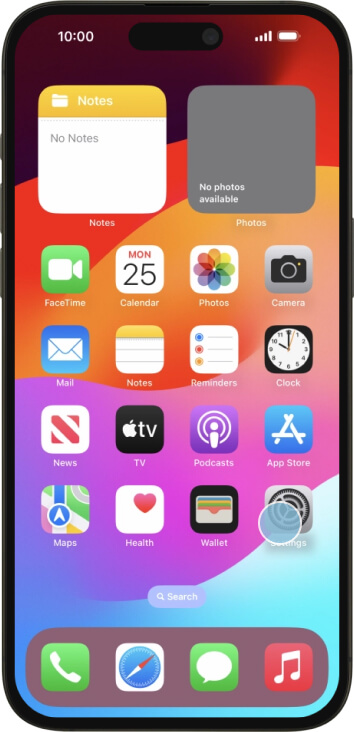
Étape 1 sur 8
Ouvrez l’application Réglages sur votre iPhone.
Ready to get connected?
Grab a data plan and your eSIM lands in your inbox, ready to scan.